
Design Settings
Design Settings
Design Settings
- Attachment0
- Upvotes
- 2
- Views
- 2301
★ Dubuplus basically consists of one main layout and one sub layout. (Different by template)
When necessary, you can add sub-layouts and apply them on a page(menu) each.
STEP 01. Adding Layouts
① Click Design mode

② Click Main Layout at the top

③ Click Create New Layout
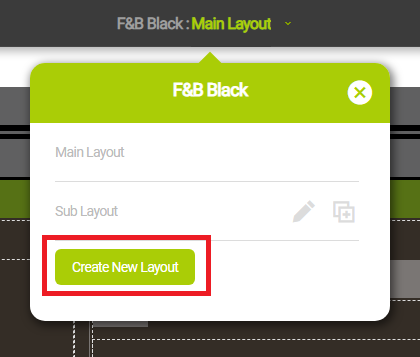
(TIP) It means to add sub-layouts. There is only one main layout.
④ Click the added layout.
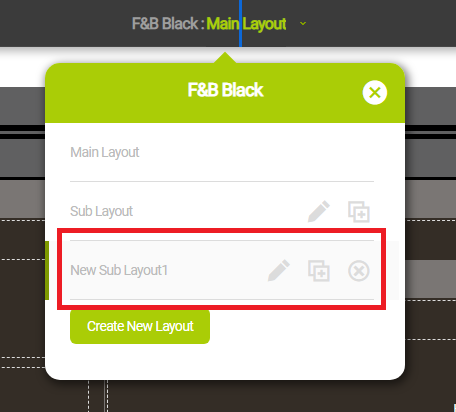
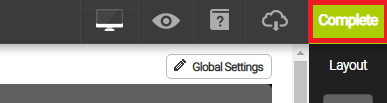
⑤ Edit the design and click Complete
⑥ If you want to apply a new sub-layout, select a new sub layout when connecting a page(menu)
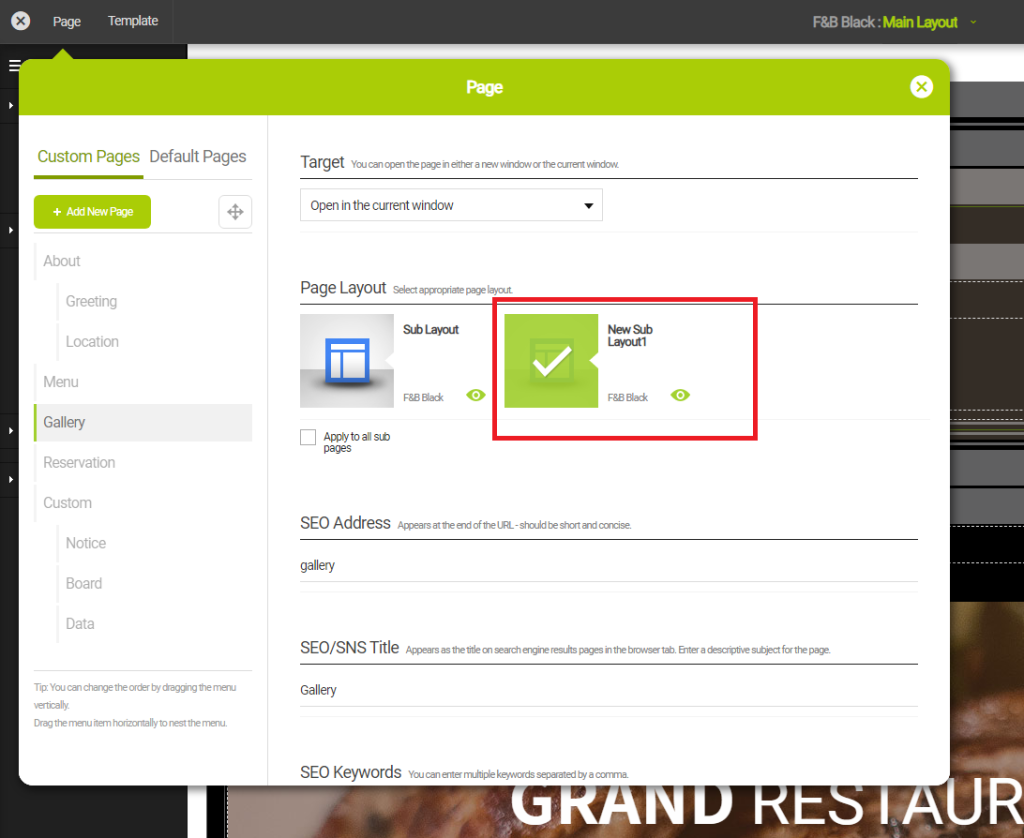
(TIP) You can link different sub-layouts by page(menu)
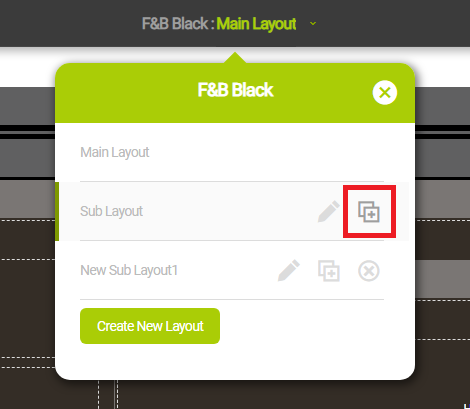
STEP 02. Duplicating Layouts
① Click Main Layout at the top
② Click Duplicate on the layout you want to duplicate
STEP 03. Deleting Layouts
① Click Main Layout at the top
② Click Delete on the layout you want to delete
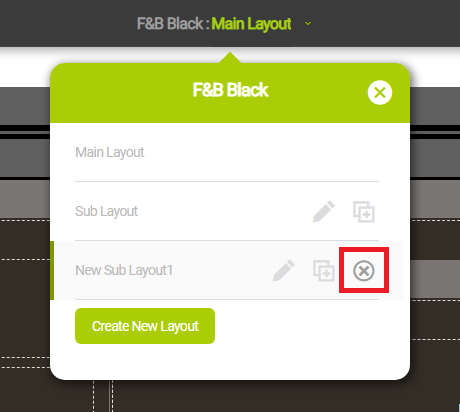
(TIP) when deleting a layout linked to a page(menu), it will be applied as a default sub-layout.
Copy URL
Select the entire URL below to copy.
Edit Comment
Enter your password to edit the post.
Delete CommentDelete Post
Enter your password to delete the post.